Theme
Overview
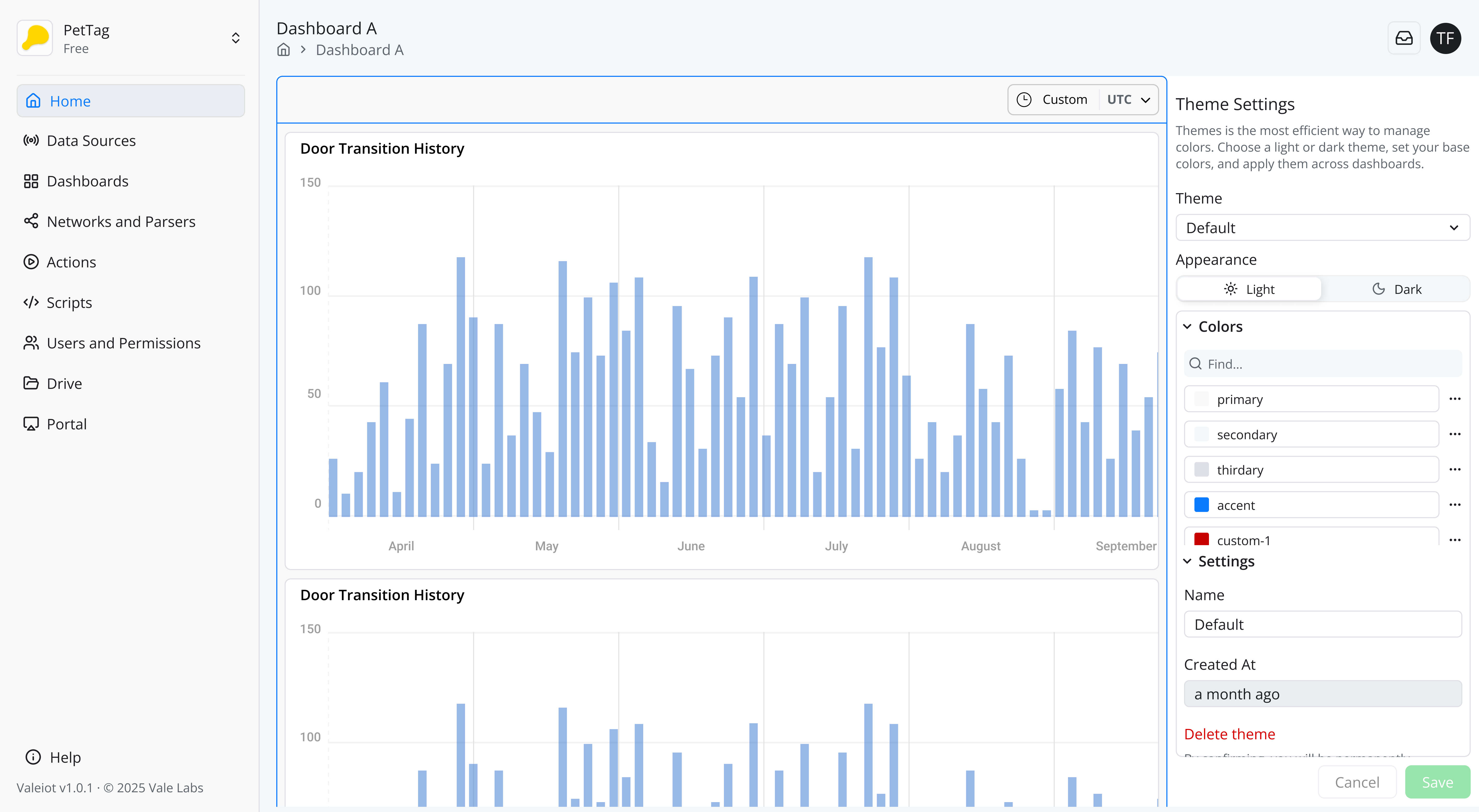
The Theme feature allows you to define centralized color variables and apply them across dashboards, widgets, and UI elements in your Valeiot projects. By creating and managing color references, you gain full control over the design consistency of your dashboards without manually updating each individual component.
Themes enable:
- Consistent visual identity across multiple dashboards.
- Faster styling updates by modifying colors in a single place.
- Better organization of color usage through named variables.
How It Works
The Theme module adds a set of configurable color variables that you can reference throughout your dashboards and widgets. When a variable is updated, all components using that variable automatically update.
These color variables can be mapped to:
- Dashboard backgrounds
- Widget backgrounds
- Text colors
- Chart elements
- Borders and accents
Use Cases
- Branding: Create a set of brand colors (primary, secondary, highlight) and apply them across dashboards.
- Dark/Light Mode: Build two color modes and switch between them by updating just a few variables.
- Client-Specific Styles: Apply different Themes per portal or customer.